The Developer Tool Stack Has a Problem
If you are a working developer in 2026, your daily workflow probably touches a dozen different applications. A code editor in one window. A terminal (or three) in another. Postman for API testing. A database GUI like DBeaver or pgAdmin. A browser with DevTools open. Docker Desktop. And now, multiple AI coding agents running simultaneously in their own terminals.
That is a lot of context switching. Every time you alt-tab between applications, you lose a few seconds of focus. Over an eight-hour day, those seconds compound into 30 to 60 minutes of lost productivity — not from doing work, but from navigating between the places where work happens.
The industry has responded with two approaches: cloud-based IDEs that try to put everything in a browser tab, and desktop workspaces that consolidate tools into a single native application. Both aim to reduce tool sprawl, but they take fundamentally different paths to get there.
Cloud IDEs: Convenient, but Constrained
Browser-based development environments like Gitpod, GitHub Codespaces, and Replit have gained traction by eliminating local setup. You open a URL, and your environment is ready. That is genuinely useful for onboarding, demos, and quick contributions to open-source projects.
But for daily professional work, the constraints add up quickly:
- Latency is ever-present. Every keystroke, every file save, every terminal command travels over the network. On a fast connection, the delay is small. On a mediocre one — a coffee shop, a train, a home office with inconsistent Wi-Fi — it becomes maddening.
- Offline access is limited or nonexistent. Your code lives on someone else’s server. If their service goes down, or your internet drops, you stop working.
- Resource limits are real. Cloud environments allocate fixed CPU and RAM. Run a heavy build, a database, and an AI agent simultaneously, and you will hit the ceiling.
- Cost scales with usage. What starts as a free tier becomes $30, $50, or $100 per month as your compute needs grow. For teams, the math gets worse fast.
- AI agent integration is awkward. Running Claude Code, Codex CLI, or Gemini CLI inside a cloud IDE means dealing with nested virtualization, limited terminal capabilities, and restricted file system access.
Desktop Workspaces: The Comeback
Desktop applications fell out of fashion during the “everything in the browser” era. But the rise of AI coding agents has shifted the calculus. AI agents like Claude Code and Codex CLI need real terminal access, persistent sessions, and unrestricted file system interaction. These are things native applications do well and browsers do poorly.
A new generation of desktop developer tools has emerged to address this reality. These are not just code editors with a terminal panel bolted on. They are full workspaces that integrate the tools developers actually use throughout the day.
What to Look for in an All-in-One Developer Tool
When evaluating consolidated developer tools in 2026, these are the capabilities that matter most:
Multi-Agent Terminal Support
AI-first development means running multiple agents concurrently. One agent refactors your API while another writes tests and a third updates documentation. Your tool needs to manage these sessions with named tabs, status indicators, and persistent scrollback — not just raw terminal panes.
Integrated HTTP Client
Testing APIs should not require switching to a separate application. A built-in HTTP client with request history, saved collections, and formatted response inspection keeps your testing loop tight.
Database Connectivity
Modern applications use multiple data stores. PostgreSQL for relational data, Redis for caching, Elasticsearch for search. A developer workspace that connects to all of them from a single interface eliminates the need for three or four standalone database GUIs.
Browser Preview
Frontend developers need to see their changes immediately. An embedded browser with DevTools access closes the feedback loop without leaving the workspace.
Session Persistence
Closing your laptop should not destroy your workspace state. Terminal sessions, open tabs, database connections, and layout arrangements should survive restarts.
The Best All-in-One Developer Tools in 2026
VS Code
Still the most popular editor by market share. VS Code handles many workflows through its extension ecosystem, but it was designed as an editor first. Adding terminal management, database access, and AI agent orchestration through extensions creates a Frankenstein of varying quality and conflicting keybindings.
Best for: Developers who want maximum extension choice and are willing to assemble their own tool stack piece by piece.
JetBrains IDEs
IntelliJ, WebStorm, and PyCharm offer deep language-specific intelligence. Their database tools are excellent. But they are heavy, slow to start, and their AI integration is still catching up. Running multiple autonomous AI agents is not a first-class experience.
Best for: Developers working deeply in a single language ecosystem who value code intelligence above all else.
Cursor
A VS Code fork with tightly integrated AI completions and chat. Cursor excels at inline AI suggestions but is fundamentally an editor, not a workspace. No built-in HTTP client, no database GUI, no browser preview. And at $20 per month, costs add up.
Best for: Developers who want AI-powered inline completions within a familiar VS Code interface.
1DevTool
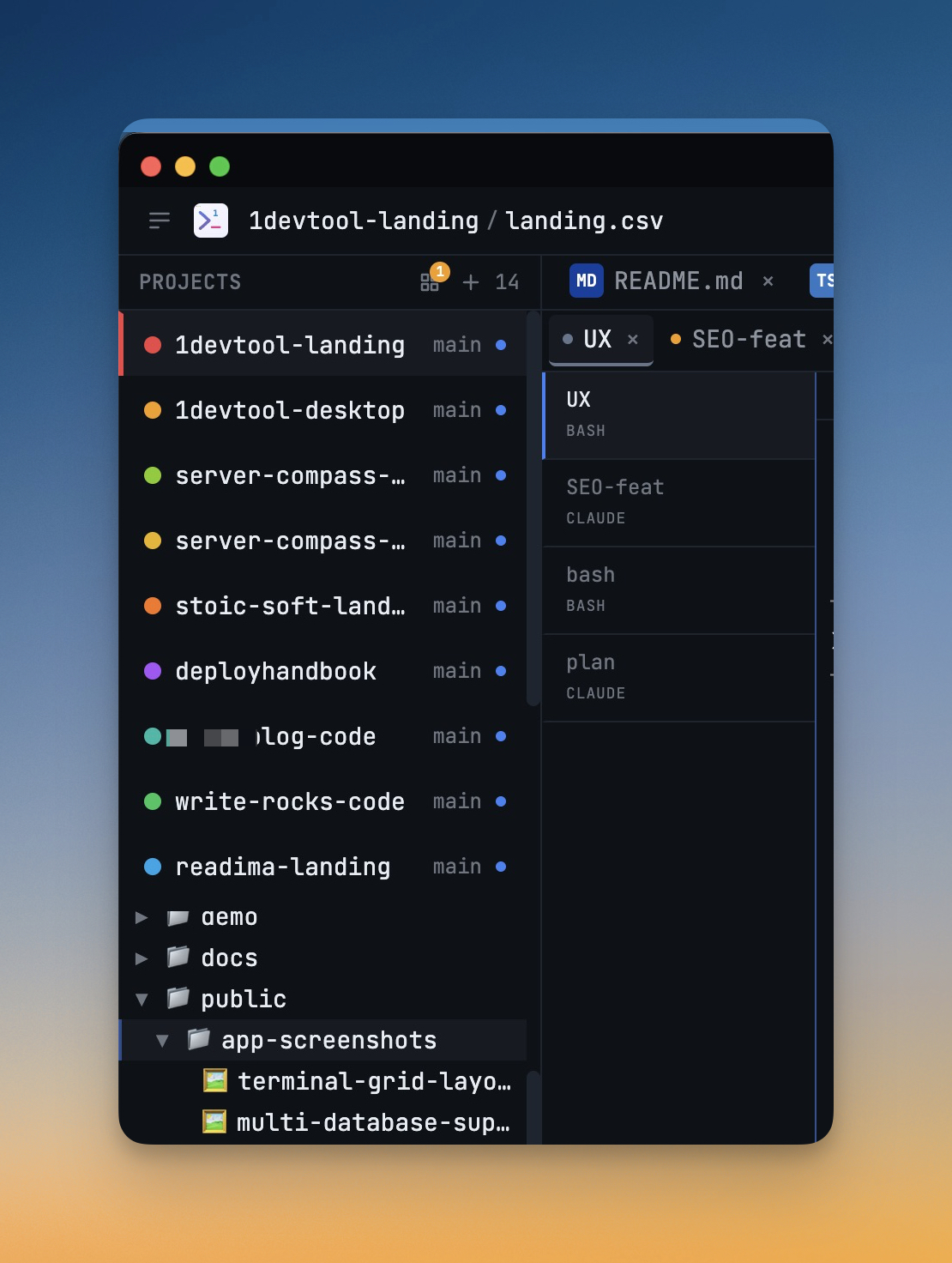
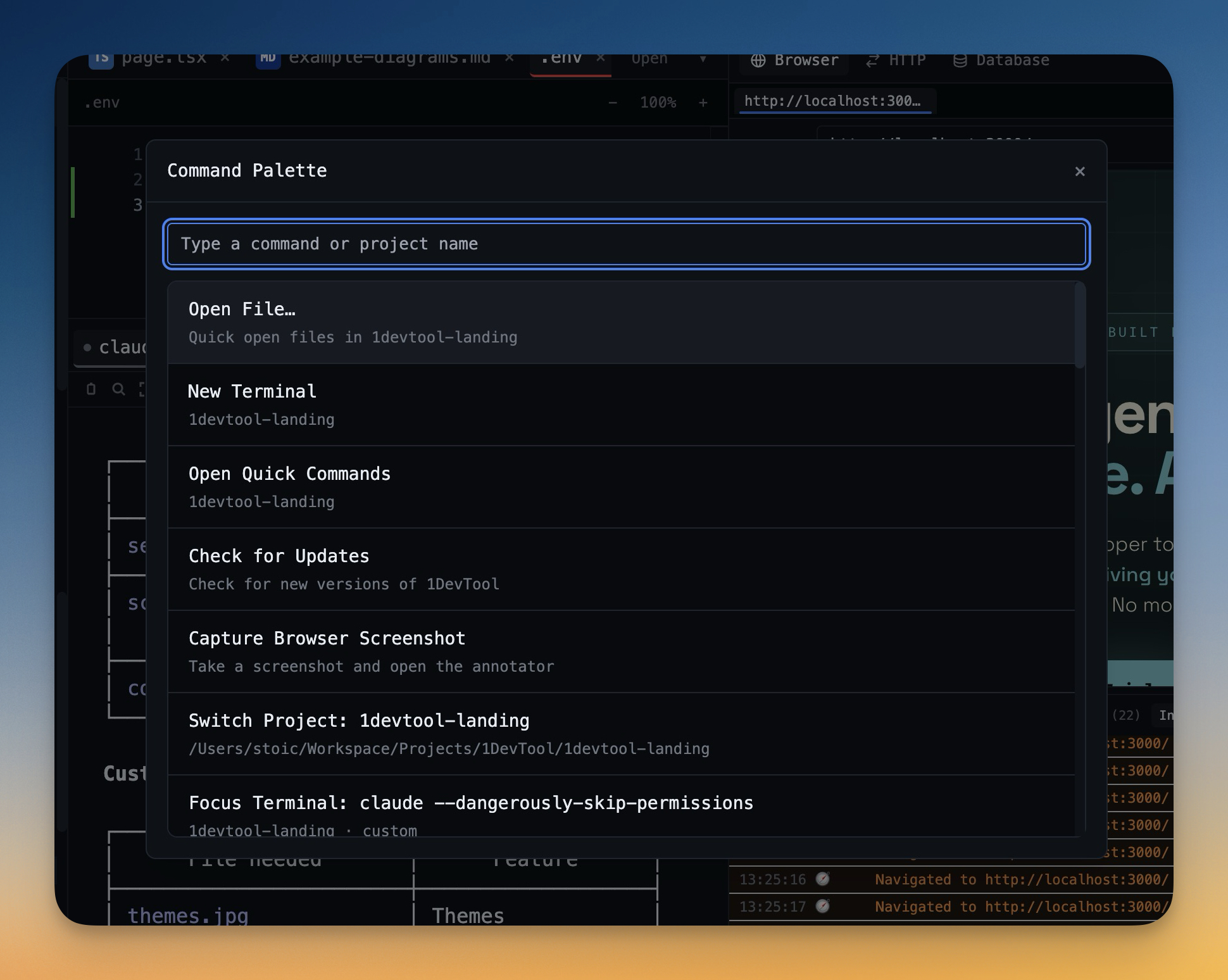
A desktop workspace built specifically for the multi-agent era. 1DevTool combines multi-agent terminals, an HTTP client, a database client supporting 13 engines, an embedded browser with DevTools, Docker management, a design canvas, and developer utilities — all in a single window. It runs Claude Code, Codex CLI, Gemini CLI, and Amp in dedicated terminal tabs with session persistence, a Kanban-style terminal dashboard, and channel-based agent orchestration.
At $29 one-time (no subscription), it is also the most cost-effective option on this list.
Best for: Developers who run multiple AI agents and want every tool they use daily in one native workspace.
Zed
A high-performance editor focused on speed and collaboration. Zed is impressively fast but still primarily an editor. Its tool integration is limited compared to full workspace solutions.
Best for: Developers who prioritize raw editor performance and real-time collaboration.
Why Desktop Is Winning in 2026
The pattern is clear. As AI agents become central to development workflows, the advantages of desktop applications become harder to ignore:
- Real PTY terminals that AI agents require for full functionality
- Unrestricted file system access for agents that need to read and write across your project
- Local compute that does not throttle when you run multiple agents simultaneously
- Offline capability for working without a network connection
- One-time pricing that does not scale with usage
The browser is an excellent delivery mechanism for many things. But for professional development work in 2026 — especially AI-assisted development — a native desktop workspace removes friction that browser-based tools cannot.
Choosing the Right Tool
The best developer tool is the one that removes the most friction from your specific workflow. If you are already deep in the VS Code extension ecosystem and happy with it, there is no urgent reason to switch. If you are paying $20 or more per month for a cloud IDE or AI editor and still juggling Postman, DBeaver, and Docker Desktop on the side, consolidating into a single desktop workspace could save you both money and time.
The developer tool landscape in 2026 rewards consolidation. Fewer tools means less context switching, and less context switching means more time writing code — or more accurately, more time directing AI agents to write code for you.