The Promise of the Browser IDE
A few years ago, the pitch was compelling. Open a URL, and your entire development environment is ready. No installation, no configuration, no “works on my machine” problems. GitHub Codespaces, Gitpod, Replit, and others made development accessible from any device with a browser.
For certain use cases, the promise delivered. Quick pull request reviews, onboarding new team members, coding from a borrowed laptop — browser-based IDEs genuinely simplified these workflows.
But for daily professional development, a different story has played out. Developers who switched to cloud IDEs for their primary work have been quietly switching back to desktop tools throughout 2025 and into 2026. The reasons are consistent and specific.
What Changed: The AI Agent Factor
The single biggest factor driving developers back to the desktop is the rise of AI coding agents. Tools like Claude Code, OpenAI’s Codex CLI, and Google’s Gemini CLI are not browser extensions or API integrations. They are command-line applications that need real terminal access, persistent processes, and unrestricted file system interaction.
Running Claude Code inside a browser-based IDE is technically possible in some cases, but the experience is compromised. Terminal emulation in the browser has limitations. Process management is restricted. Session persistence depends on the cloud provider’s infrastructure rather than your own machine. And when you need to run three or four agents simultaneously, the resource constraints of a cloud VM become a hard ceiling.
Desktop applications provide the native terminal environment these agents were designed for. Real PTY support, direct file system access, full process control, and local compute that scales with your hardware rather than a pricing tier.
The Latency Tax
Every developer who has used a cloud IDE extensively knows the latency tax. It is not dramatic — not usually — but it is constant. A 50 to 100 millisecond delay on every keystroke. A half-second lag when switching files. A noticeable pause when opening the terminal.
Individually, these delays are tolerable. Over eight hours, they compound into a persistent feeling of friction. Your tools feel sluggish even when they are technically functional. The experience is like coding through a thin layer of molasses.
Desktop applications eliminate this entirely. Keystrokes are instant. File switching is instant. Terminal interaction is instant. The difference is not about any single action being faster — it is about removing the constant low-grade friction that drains focus over a full workday.
Offline Is Not an Edge Case
The cloud IDE model assumes constant internet connectivity. For developers working in offices with reliable enterprise networks, this assumption mostly holds. For everyone else — remote workers, digital nomads, commuters, or anyone whose home ISP has occasional outages — it does not.
Losing access to your development environment because of a network problem is not an inconvenience. It is a work stoppage. Your code, your terminals, your database connections, your running processes — all inaccessible until connectivity returns.
Desktop tools keep everything local. Your workspace exists on your machine. Internet problems might affect git pushes or package downloads, but your ability to write code, run tests, query local databases, and interact with AI agents continues uninterrupted.
The Cost Equation Has Shifted
When cloud IDEs launched, the cost comparison seemed favorable. No need to buy a powerful laptop — just rent compute in the cloud. But the economics have shifted in two ways.
First, cloud IDE pricing has increased. What started as generous free tiers has moved toward $20 to $40 per month per developer for professional use. For teams of ten, that is $2,400 to $4,800 per year just for development environments.
Second, developer laptops have become dramatically more capable. An M-series MacBook or a modern AMD laptop can run multiple AI agents, a database, a dev server, and Docker containers without breaking a sweat. The hardware you already own is more than sufficient.
The math now favors owning your tools. A one-time purchase for a desktop workspace costs less than two months of a cloud IDE subscription. Over a year, the savings are substantial.
What Developers Actually Need in 2026
The switch from browser IDEs to desktop workspaces is not about nostalgia for native applications. It is about the specific requirements of modern AI-assisted development:
Multi-Agent Terminal Management
Running Claude Code in one terminal, Codex in another, and a dev server in a third is the baseline workflow in 2026. Desktop workspaces that support named terminals, status tracking, and session persistence handle this natively. Browser-based terminals struggle with process management at this scale.
Integrated Developer Tools
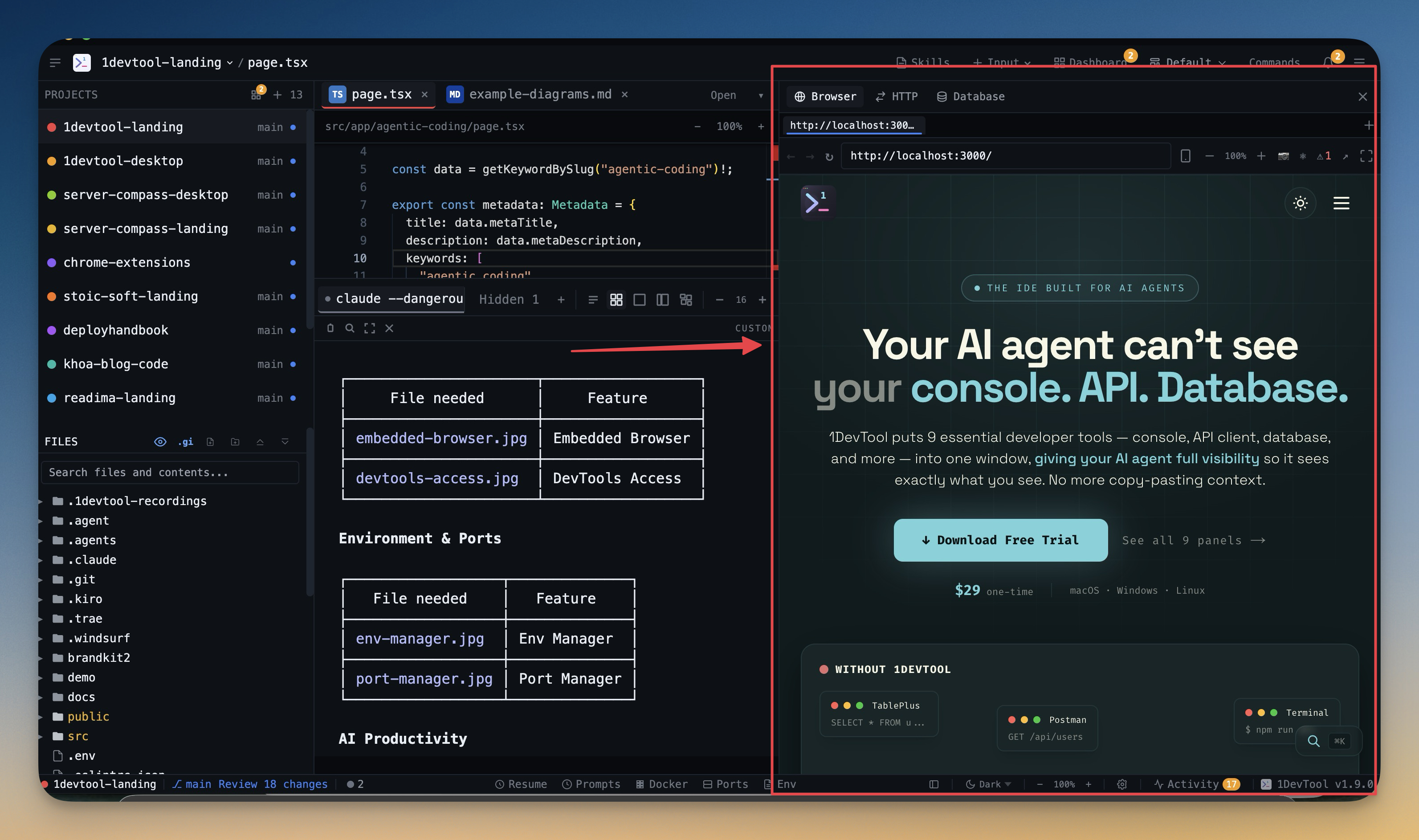
The modern development loop touches terminals, an API client, a database, a browser preview, and environment configuration. Consolidating these into a single application — rather than running them as separate tabs in a browser or as standalone apps — reduces context switching dramatically.
Persistent Workspace State
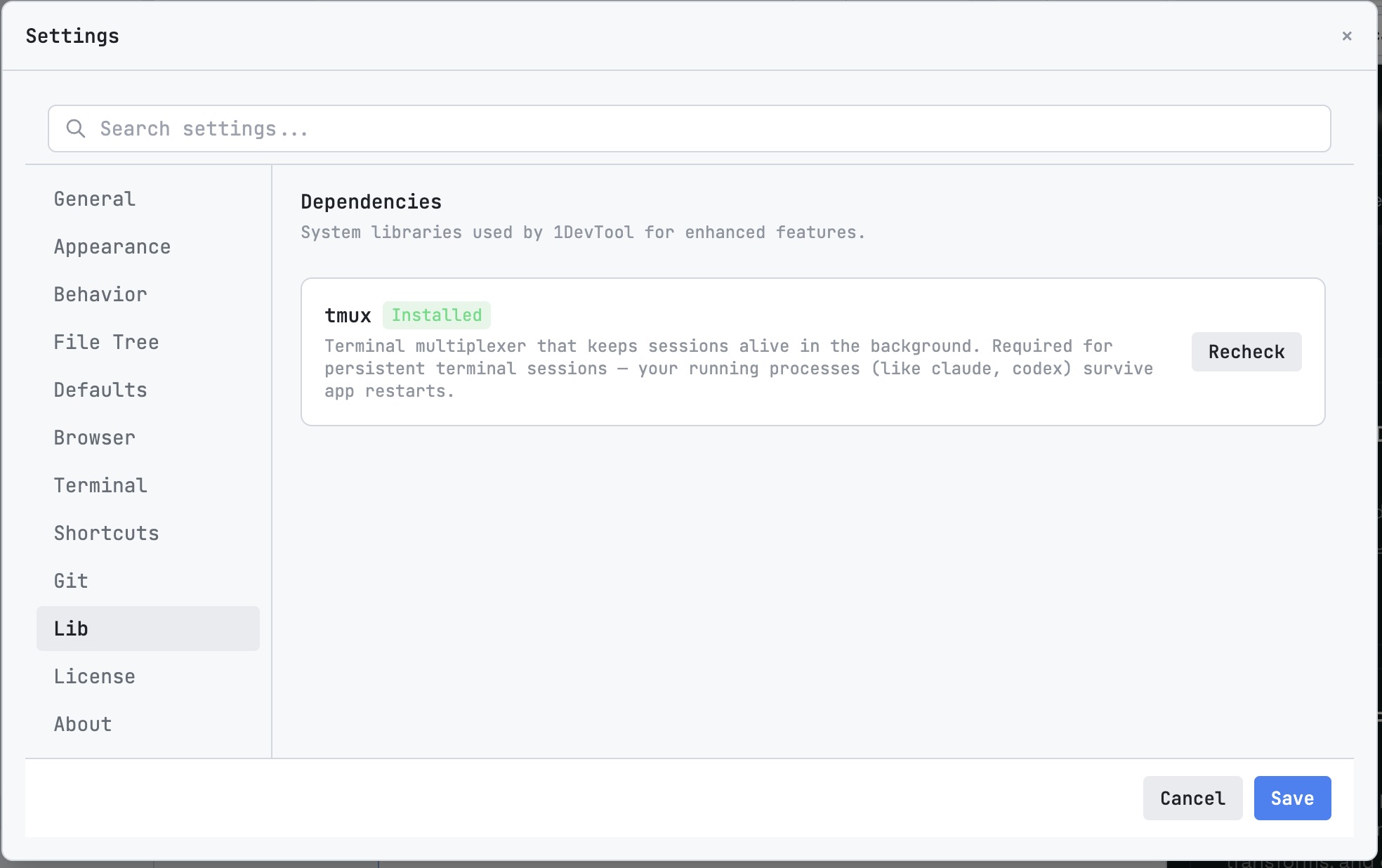
Close your laptop, open it tomorrow, and everything is exactly where you left it. Every terminal session preserved. Every database connection remembered. Every layout arrangement intact. Desktop applications with proper state management deliver this reliably. Cloud IDEs depend on their infrastructure keeping your workspace alive, which is not always guaranteed.
Local Data Privacy
When your database client, HTTP client, and AI agent conversations all run locally, sensitive data never leaves your machine. No API keys transmitted to cloud servers. No production database credentials stored in someone else’s infrastructure. For developers working with sensitive data — healthcare, finance, government — this is not a preference. It is a requirement.
Making the Transition
If you are considering moving from a browser-based IDE to a desktop workspace, the transition is straightforward:
- Identify your daily tools. List every application you open during a typical development day. Editor, terminal, API client, database GUI, browser, Docker — write them all down.
- Look for consolidation. Find a desktop tool that covers as many of those as possible in a single application. Fewer tools means less context switching.
- Set up your AI agents locally. Install Claude Code, Codex CLI, or whichever agents you use. Run them in your desktop workspace’s terminals. Configure session persistence so conversations survive restarts.
- Give it a week. The first day will feel different. By the end of the week, the absence of latency and the presence of everything in one window will make it hard to go back.
A Desktop Workspace Built for This Era
1DevTool was designed specifically for the workflow described in this article. It combines multi-agent terminals with session persistence, an HTTP client, a database client supporting 13 engines (PostgreSQL, MySQL, MongoDB, Redis, Elasticsearch, and more), an embedded browser with DevTools, Docker management, and a developer toolbox — all in a single native application.
It runs on macOS, Windows, and Linux. It costs $29 once, with no subscription. And because everything runs locally, there is no latency tax, no offline anxiety, and no data leaving your machine.
The browser IDE era solved real problems. But the requirements of AI-first development have created new ones that desktop workspaces are better positioned to address. The developers who have already made the switch are not looking back.