What Is Agent Orchestration?
Agent orchestration is the practice of coordinating multiple AI coding agents to work together on a task, rather than using them independently in isolation. Instead of you being the message bus between Claude Code and Codex CLI — copying output from one and pasting it into another — an orchestration layer handles the coordination automatically.
Think of it as the difference between managing freelancers through individual email threads versus having a project manager who assigns work, tracks progress, and routes deliverables between team members. The agents do the same work either way. Orchestration determines whether you spend your time directing the work or relaying messages.
In 2026, as AI agents have become capable enough to handle complex, multi-step coding tasks autonomously, orchestration has shifted from a nice-to-have to a practical necessity for developers running serious multi-agent workflows.
Why Single-Agent Workflows Hit a Ceiling
Most developers start with a single AI agent. Claude Code handles everything: writing code, reviewing it, writing tests, fixing bugs, updating documentation. This works well for simple tasks.
The ceiling appears when tasks become complex or multifaceted. A single agent working sequentially on a large refactoring task might take 30 minutes to work through the implementation, then another 15 minutes to write tests, then 10 more for documentation. That is 55 minutes of sequential execution.
With orchestration, the refactoring agent can start working while a second agent reviews the architecture plan. Once the first module is refactored, a test-writing agent can begin immediately on that module while the refactoring agent moves to the next one. A documentation agent updates the API docs as interfaces stabilize. The same work completes in a fraction of the time because agents operate in parallel where the task graph allows it.
Beyond speed, multi-agent orchestration provides specialization. Claude Code might excel at complex reasoning and architectural decisions. Codex CLI might be faster at generating repetitive boilerplate. Gemini CLI might produce better documentation prose. Orchestration lets you assign each agent to tasks that play to its strengths.
The Anatomy of an Orchestrated Workflow
Every orchestrated workflow has three components: agents, a communication channel, and an operator.
Agents
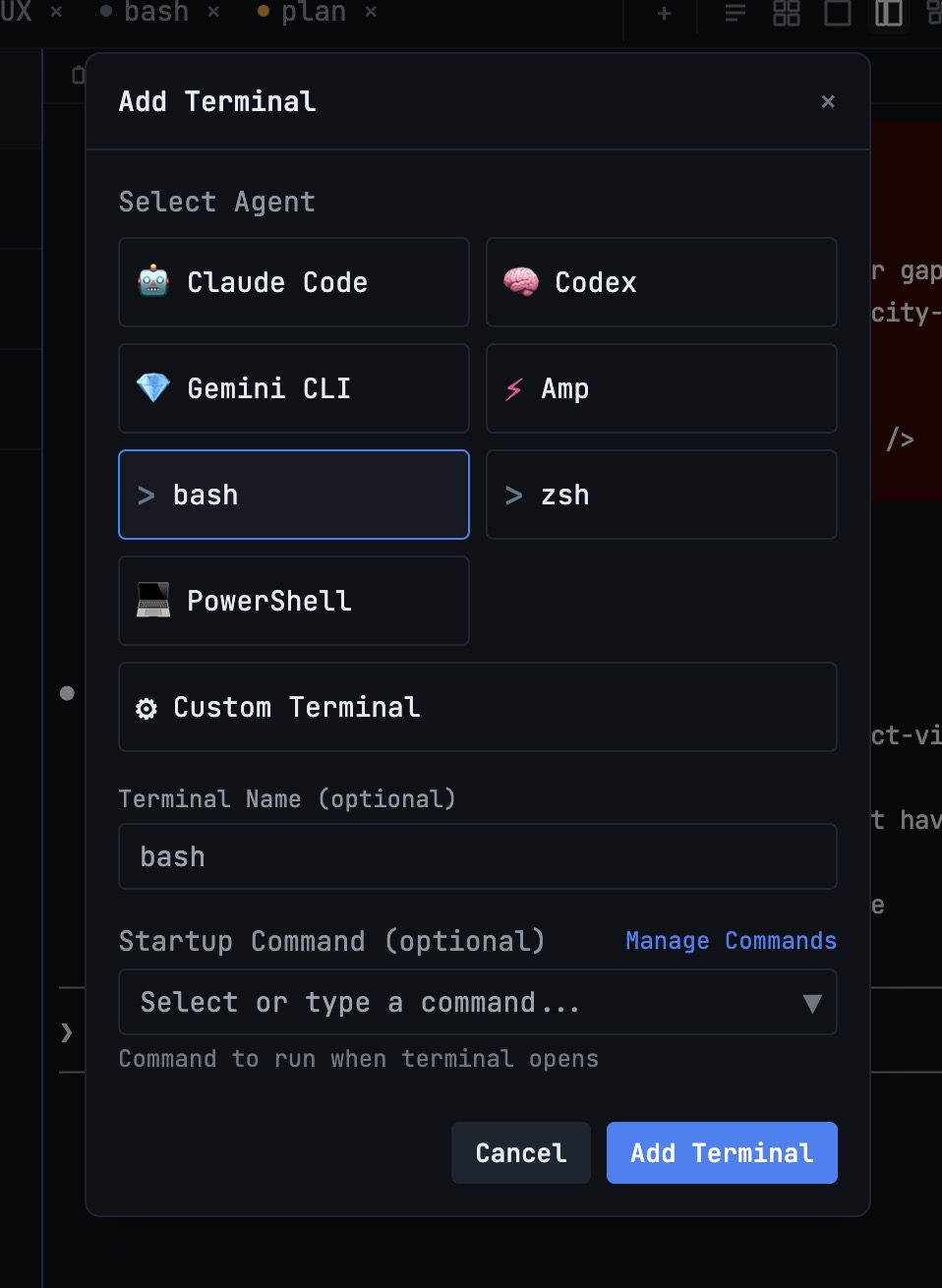
These are the AI coding tools doing the actual work. Each agent runs in its own terminal with its own context and conversation history. Common agents include:
- Claude Code — strong at complex reasoning, multi-file refactoring, and architectural decisions
- Codex CLI — fast at code generation, test writing, and pattern-based tasks
- Gemini CLI — effective for documentation, code review, and explanation
- Amp — useful for infrastructure and DevOps tasks
Each agent brings different strengths. The power of orchestration is in combining those strengths within a single workflow.
Communication Channel
Agents need a shared space to communicate. A channel is a named conversation where agents and the developer can exchange messages, share context, and coordinate work. Think of it as a Slack channel where your AI agents are the participants.
Channels provide transparency. Instead of agents working in opaque terminal sessions where you have to check each one individually, the channel conversation shows exactly what happened: which agent was assigned what task, what it produced, and what the next step is.
Operator
The operator is the coordinating intelligence that manages the workflow. It reads the channel conversation, decides which agent should act next, sends instructions to the appropriate terminal, waits for completion, and routes results to the next step.
An operator can be another AI agent (typically the most capable one, like Claude Code) or a rule-based system that follows a predefined workflow template. The operator pattern keeps you out of the loop for routine coordination while letting you intervene when judgment is needed.
Common Orchestration Patterns
Several patterns have emerged as developers have adopted multi-agent workflows:
The Review-Fix Loop
Two agents, two roles. Agent A reviews code and identifies issues. Agent B fixes the issues found. The operator cycles between them until Agent A approves.
This pattern is powerful for code quality. The reviewing agent has no attachment to the code and evaluates it purely on merit. The fixing agent receives specific, actionable feedback rather than vague improvement suggestions.
Template setup:
- Agent A (Reviewer): Claude Code, tasked with reviewing code changes against project standards
- Agent B (Fixer): Codex CLI, tasked with implementing the reviewer’s feedback
- Operator: Routes review findings to the fixer, then routes the fix back for re-review
The Build-Test Pipeline
One agent implements a feature. A second agent writes tests for the implementation. If tests fail, the results route back to the implementation agent for fixes.
This mirrors how human teams work — developer writes code, QA writes tests — but executes in minutes instead of days.
Template setup:
- Agent A (Builder): Claude Code, implementing the feature
- Agent B (Tester): Codex CLI, writing and running tests against the new code
- Operator: Sequences build then test, loops on failure
The Parallel Specialists
Multiple agents work on different aspects of the same task simultaneously. One handles backend changes, another handles frontend changes, and a third updates documentation. The operator coordinates dependencies — the frontend agent waits for the API contract from the backend agent before proceeding.
Template setup:
- Agent A (Backend): Claude Code, implementing API changes
- Agent B (Frontend): Codex CLI, updating the UI to match new API contracts
- Agent C (Docs): Gemini CLI, updating API documentation
- Operator: Starts A, feeds A’s API contract to B and C when ready
The Investigator-Implementer
One agent investigates a bug or performance issue, producing a diagnosis. A second agent implements the fix based on the diagnosis. A third agent verifies the fix.
Template setup:
- Agent A (Investigator): Claude Code, analyzing logs, stack traces, and code paths
- Agent B (Implementer): Codex CLI, writing the fix based on the investigation
- Agent C (Verifier): Gemini CLI, confirming the fix addresses the root cause
Practical Considerations
When to Orchestrate (and When Not To)
Orchestration adds value when tasks are complex enough to benefit from multiple agents working in parallel or in specialized roles. For a quick bug fix or a simple feature, a single agent in a single terminal is faster and simpler.
Use orchestration when:
- The task involves multiple files or modules that can be worked on in parallel
- The task benefits from separate review and implementation roles
- You need to coordinate changes across backend, frontend, and documentation
- The task is large enough that sequential single-agent execution would take 30 minutes or more
Skip orchestration when:
- The task is straightforward and well-contained
- You need tight, interactive control over the agent’s decisions
- The overhead of setting up the workflow exceeds the time saved
Managing Agent Context
Each agent in an orchestrated workflow has its own conversation history and context window. The operator bridges context between agents, but it is selective — it sends relevant information, not entire conversation transcripts.
This means you should be deliberate about what context agents need. The test-writing agent needs the implementation code and the test requirements, not the 30-message conversation about architectural tradeoffs that led to the implementation. Good orchestration filters signal from noise.
Handling Failures Gracefully
Agents make mistakes. An implementation might break existing functionality. A test might be wrong. A documentation update might miss a changed parameter.
Robust orchestration includes pause points where you can inspect intermediate results before the workflow continues. The ability to pause a running workflow, examine what has been produced, correct any issues manually, and then resume from the pause point is essential for production-quality work.
Without pause-and-resume, your only options when something goes wrong are to let the workflow finish (wasting time and tokens on work built on a bad foundation) or cancel and start over (losing all progress).
Getting Started with Agent Orchestration
If you are currently running AI agents independently, the path to orchestration is incremental:
- Start with two agents. Pick a task that naturally divides into two roles — implement and test, or implement and review. Run both agents and manually coordinate between them.
- Notice the coordination overhead. Pay attention to how much time you spend copying context between terminals, checking if agents are done, and routing results.
- Move to channel-based coordination. Use a tool that provides shared communication channels between agents. Let the operator handle the routing you were doing manually.
- Use templates for recurring workflows. Once you find patterns that work, save them as templates. The Build-Test pipeline you set up once should be reusable with a single click.
1DevTool provides all of these capabilities out of the box. Channel Chat creates shared communication spaces with @mentions and operator orchestration. Ten built-in templates cover Review, Build, Test, and Ops categories. Pause and resume keeps you in control. And at $29 one-time, the investment pays for itself the first time an orchestrated workflow completes a task in 10 minutes that would have taken you an hour of manual agent coordination.
The Bigger Picture
Agent orchestration is not just a productivity technique. It represents a fundamental shift in how software gets built. The developer’s role moves from writing code to designing workflows, defining quality standards, and making architectural decisions that agents execute.
This is not a distant future. It is happening now, in real codebases, by real developers. The tools and patterns described in this guide are practical and available today. The question is not whether you will adopt multi-agent workflows — it is how quickly you will move from running agents independently to orchestrating them effectively.