Every VPS management tool you have probably used shares the same architecture: a web dashboard running somewhere – either on a cloud server (RunCloud, Ploi, Forge) or on your VPS itself (Coolify, Dokploy, CapRover). You open a browser, log in, and manage your infrastructure through someone else’s interface on someone else’s server.
This architecture has been the default for so long that most developers never question it. But there are fundamental reasons why a desktop-first, offline-capable application is a better fit for managing servers. Not just a preference – a structurally better architecture for security, performance, cost, and reliability.
The Security Argument
Let us start with the one that matters most.
Cloud Dashboards: The Middleman Problem
When you use a cloud-hosted management panel like RunCloud or Laravel Forge, your workflow looks like this:
Your Browser → Cloud Dashboard Server → Your VPS
Your SSH credentials, API tokens, and database passwords pass through a third-party server. Even if they encrypt everything in transit and at rest, the fundamental architecture requires that a company you do not control has access to the keys that unlock your infrastructure.
This is not a theoretical risk. Cloud dashboards are high-value targets precisely because they hold credentials for thousands of servers. A single breach exposes entire fleets.
Self-Hosted Dashboards: The Exposure Problem
Tools like Coolify and CapRover avoid the middleman by running on your VPS. Better, but now you have a web-facing authentication system on your production server. That is another port open to the internet, another login page susceptible to brute force, another application to keep patched and updated.
The dashboard itself is also a resource consumer. It runs 24/7, using RAM and CPU regardless of whether you are actively managing anything.
Desktop-First: Direct Connection
A desktop application like Server Compass changes the topology entirely:
Your Desktop App → SSH → Your VPS
There is no middleman server. There is no web-facing dashboard. Your credentials are encrypted with AES-256-GCM and stored in your operating system’s keychain – macOS Keychain, Windows Credential Manager, or Linux Secret Service. They never leave your machine.
The attack surface reduces to two endpoints you already trust: your computer and your VPS. Every command travels over SSH, the same protocol you would use in a terminal. No new ports, no new attack vectors, no new authentication systems.
The Reliability Argument
Cloud Dashboards Go Down
In 2025 alone, major cloud platforms experienced multiple outages. When your management dashboard goes down, you lose the ability to deploy, rollback, and monitor – exactly when you need those capabilities most.
A desktop application does not have this problem. It runs on your machine. Your internet connection could drop entirely and you would still have access to your server configurations, environment variables, deployment history, and documentation. When connectivity returns, you pick up right where you left off.
Your VPS Should Not Be a Single Point of Failure for Itself
Running a management dashboard on the same VPS it manages creates a circular dependency. If the server is overloaded or having issues, the dashboard that you need to diagnose and fix those issues is also affected. A desktop app eliminates this dependency entirely because the management interface runs on separate hardware.
The Performance Argument
Native vs. Browser
A web dashboard renders in a browser, which means JavaScript execution overhead, network latency for every interaction, and limited access to system resources. A native desktop application runs compiled code with direct access to your OS file system, keychain, and network stack.
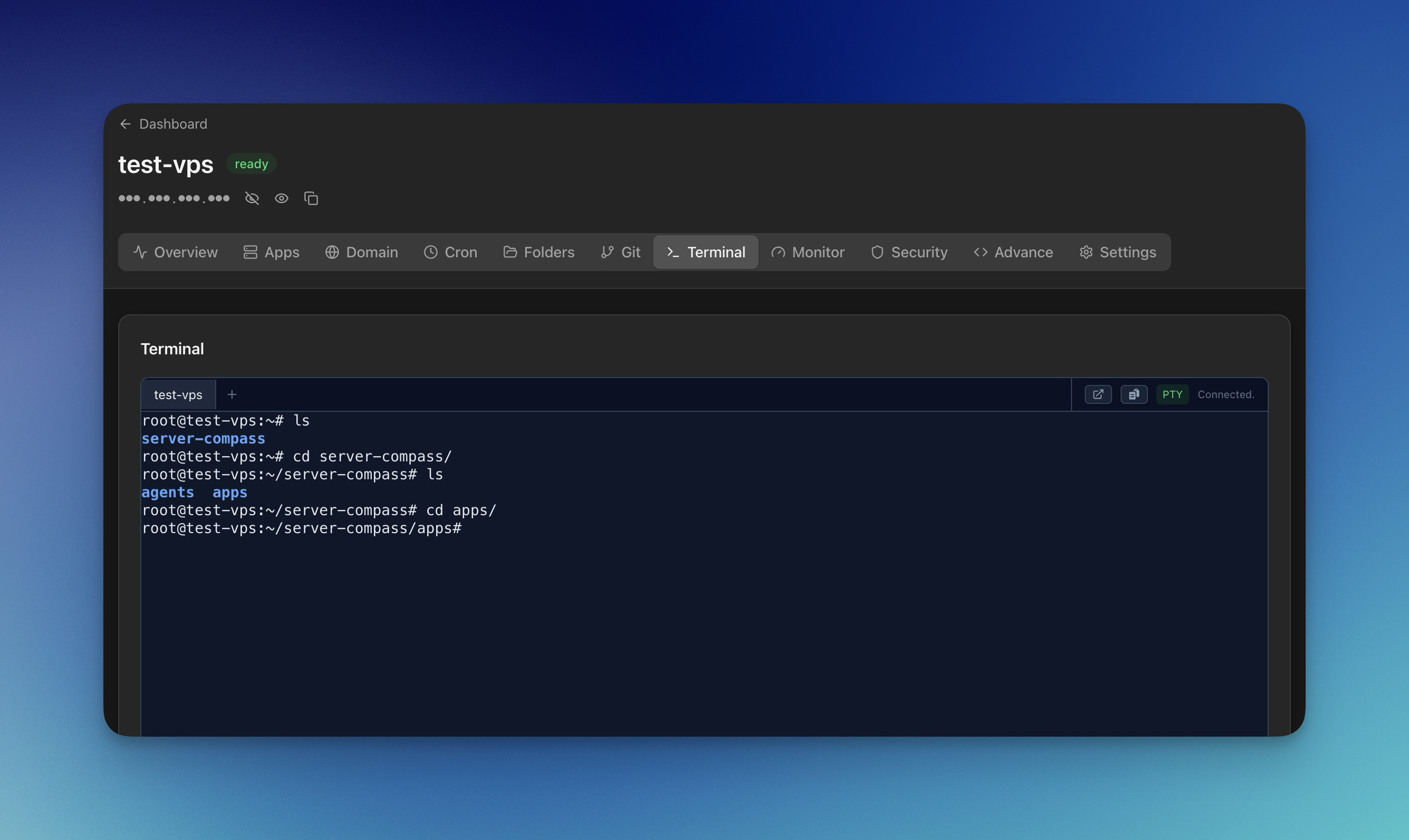
In practical terms, this means:
- SSH terminal performance – A native terminal implementation has lower latency than a browser-based terminal running over WebSocket. The difference is perceptible when typing commands.
- File operations – Uploading files to your server through a native app uses optimized SFTP transfers. A browser-based uploader adds HTTP overhead on top of the SSH transfer.
- Large log files – Streaming and searching through container logs is faster when the rendering engine is native rather than DOM-based.
Zero Server Overhead
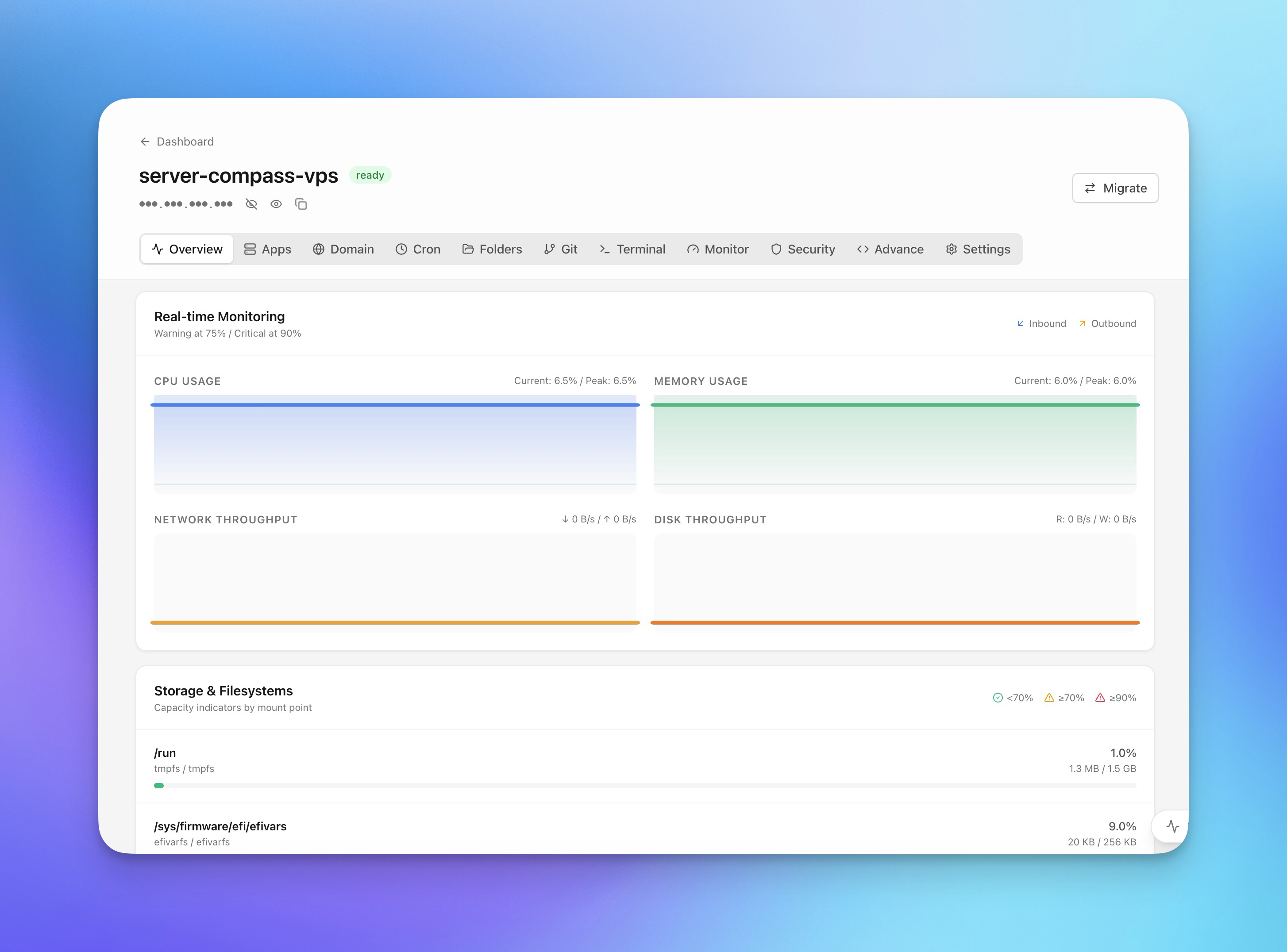
This point bears repeating because it changes the economics of VPS hosting. A desktop management tool uses zero RAM, zero CPU, and zero disk space on your server. On a $5 VPS with 1GB RAM, this is the difference between running three applications comfortably and running one application alongside a management dashboard that consumes 300-500MB.
For indie hackers and bootstrapped startups optimizing cloud costs, this directly translates to money saved or additional workloads supported on the same hardware.
The Offline-First Advantage
“Offline-first” is not just about working without internet. It is a design philosophy that treats your local environment as the source of truth and synchronizes with remote systems as needed.
What Offline-First Means in Practice
With Server Compass, your server configurations, environment variables, deployment templates, and management data live in a local SQLite database. This gives you:
- Instant access – Opening the app and viewing your server status does not require waiting for an API call. The data is already on your disk.
- Resilient configuration – Your
.env Vaultwith encrypted environment variables works even when you are on an airplane. Plan your next deployment, prepare configuration changes, and execute them when you are back online. - Migration independence – If you switch management tools, your data is local and accessible. No export process, no vendor holdout, no “please contact support to download your data.”
Compared to Cloud-First
Cloud dashboards treat the remote server as the source of truth. Every page load, every configuration view, every status check requires a network round-trip. On slow or unreliable connections (coffee shops, airports, train WiFi), this makes the dashboard sluggish or unusable.
A desktop tool loads instantly, shows cached data immediately, and updates from the server in the background.
The Vendor Independence Argument
This is the argument that should carry the most weight for anyone thinking long-term.
When you use a cloud dashboard, your management workflow is coupled to that vendor. Your deployment configurations, your environment variables, your monitoring setup – all of it lives in their system. Switching tools means rebuilding everything from scratch.
When you use a self-hosted dashboard, you gain data ownership but lose it again if the project is abandoned or the architecture changes in a breaking update.
A desktop tool with local data storage gives you true independence:
- Your deployments are vanilla Docker. Server Compass creates standard Docker Compose configurations and Traefik routing rules. Any Docker-aware tool (or just raw SSH) can manage what it built.
- Your data is local. Server configurations, SSH connections, environment variables – all stored on your machine in formats you can access.
- No decommissioning risk. If Server Compass ceased to exist tomorrow, your servers would not notice. There is nothing to uninstall, no agent to replace, no dashboard URL that stops resolving.
This is what “no vendor lock-in” actually means: not just the absence of proprietary APIs, but the absence of any runtime dependency on the tool itself.
When Cloud Dashboards Still Make Sense
To be balanced: cloud-hosted dashboards have legitimate advantages for certain use cases.
Team access from any device. If multiple team members need to manage servers from different locations, a web dashboard provides universal access. Desktop tools are limited to machines where the app is installed.
Mobile management. If you need to deploy or rollback from your phone in an emergency, a web dashboard works. A desktop tool does not.
Managed infrastructure. If you want someone else to handle the ops tooling and do not care about the architectural tradeoffs, a managed cloud panel removes that responsibility.
The Architecture That Makes Sense for Most Developers
For solo developers, indie hackers, small teams, and anyone who manages one to ten servers, the desktop-first architecture is a strict improvement over cloud dashboards in security, performance, cost, and reliability. The only tradeoff is that you need your computer to manage your servers (unless you set up CI/CD for automated deployments).
Server Compass is built on this architecture. It runs on macOS, Windows, and Linux, costs $29 one-time, and manages your VPS over direct SSH connections without installing anything on your server. The free tier lets you test the workflow with one server before committing.
The next time a cloud dashboard asks you to enter your server’s root credentials into a web form, consider whether that is really the architecture you want between you and your production infrastructure.